
Have you ever wanted to marinate inside of a moment? Venture into mind melding visions of alternate realities while mediating comfortably in place? If you’re my kind of human, then you’re answer is undeniably, unequivocally – yes. In my opinion, we’re all several shades of guilty – from real dreaming to daydreaming, and everything in between, as humans our escape fantasies eagerly, effortlessly and egregiously effuse from our souls like pheromones in search of a higher purpose, catalyzing creativity and breaking us free of old molds and mindsets. To me, it’s part of the reason we create, coddle and crave the arts: through music, literature, art and theater – we discover new, previously hidden parts of our personalities while filling our soul with passion like a warm meal on a cold night.
Photography is an out of body experience where distortions of reality, mind melding visions of what’s possible and bends in time and space, painting – double so. But unfortunately some of us (waves hand), weren’t blessed with a drawing gene or with a paintbrush in their hand My stick figures are relatively lackluster and the cat face I’ve been trying to draw for the last 31 years hasn’t gotten much better. Suffice it to say, I’m in awe of true artistry when it comes to painting, drawing and all things in between and will try ad nauseam. So, when I caught wind of a photo app that alters your images with filters of popular artists – I was immediately sold; hook, line and sinker.

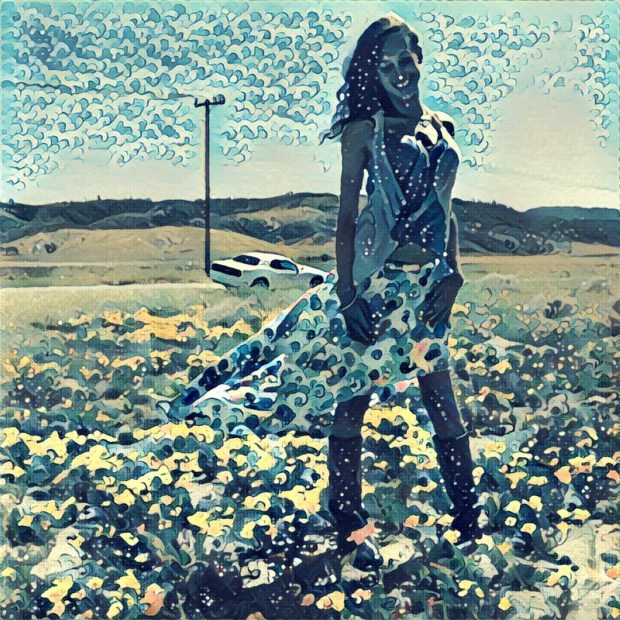
It’s happened before, and my heart swoons as it happens over, and over again: every once in a blue moon, a smart phone photography fad stops me dead in my tracks and requires hours of endless exploration. Now that we’re 7 solid months into this year, I can safely proclaim that Prisma has been that app. Just a quick upload of a square sized photo (thank you, Instagram), and you’ll be on your way to fantastical results. Once inside the app, Prisma applies an intricate and advanced learning algorithm to your photos that combines artificial intelligence with neural networks. Basically, it’s like Deep Dream, Photoshop and Instagram had a psychedelic love child and it doesn’t matter if that last sentence made sense to you or not – because any way that cookie crumbles, the results are simply stunning.

Try on the tantalizing stylings of esteemed artists ranging from contemporary pop art legends Roy Litchenstein and Andy Warhol to classic stylings of Van Gaugh and Picasso, with detailed renderings that from a repository that looks like the lovechild of Android Jones art, fractals and street art. There are also nods to artists such as Miyazaki, Kadinsky, Mucha, Chagall, Hokusai and Kadinsky – as well as eras of artistic prowess like Impressionism, Gothic Art, Manga, and more. Once your new work of art manifests in front of your eyes, you’ll have the option of taking the photo at 100 proof, or adjusting the edits down to a smaller scale. If you just tap into your settings you can remove the watermark from the app, and last but certainly not least – it’s free! The only slight downfall of the application is the need to be connected to the Internet to query the algorithms to work – as the app gains popularity, the servers are also noticing a surge and have rendered themselves as over capacity; quick solution – just try, as try again – you’ll get through eventually!
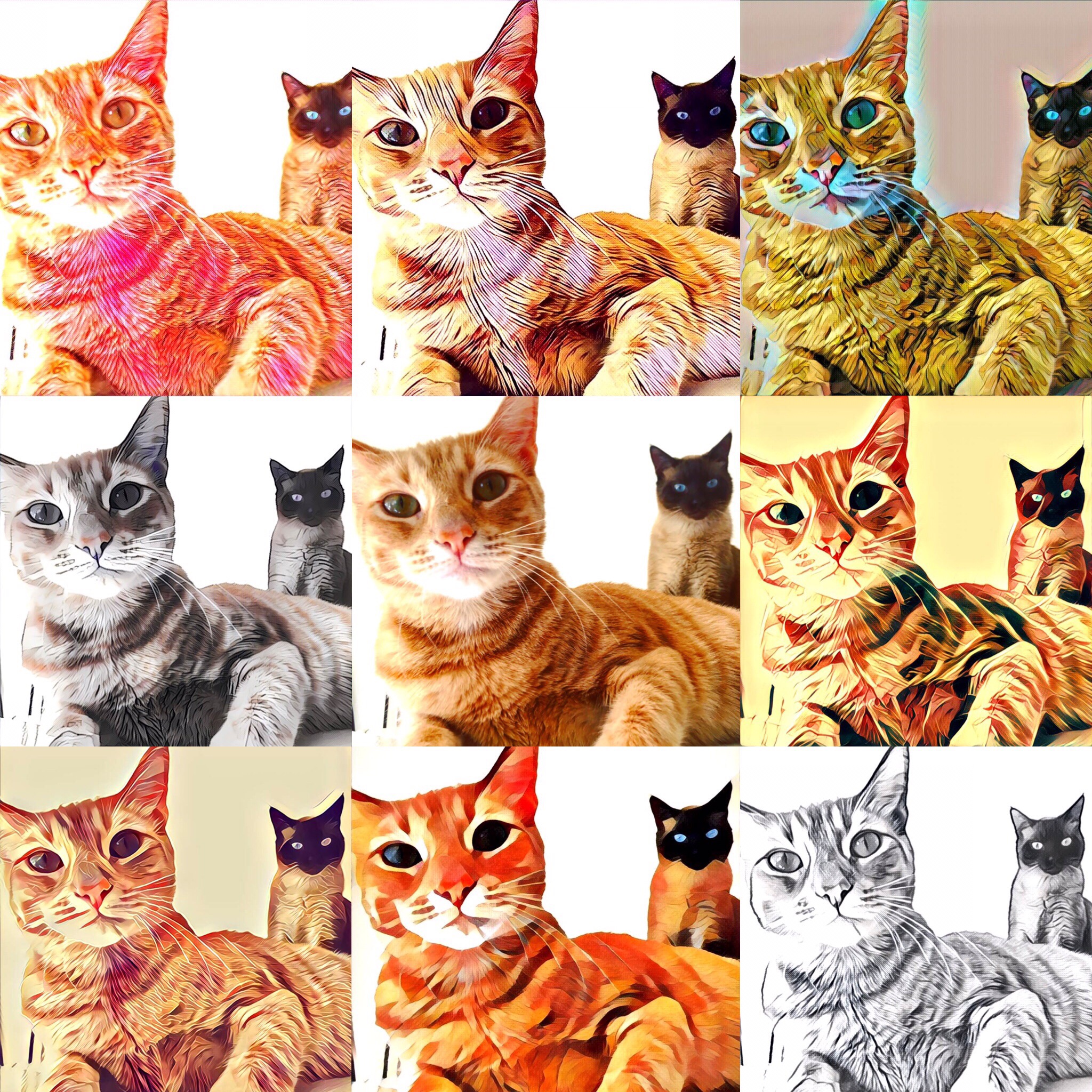
From top, Left to Right: Tears, Urban, Tokyo, #GettUrban, Illegal Beauty, Dreams, Mononoke, Gothic, Curly Hair
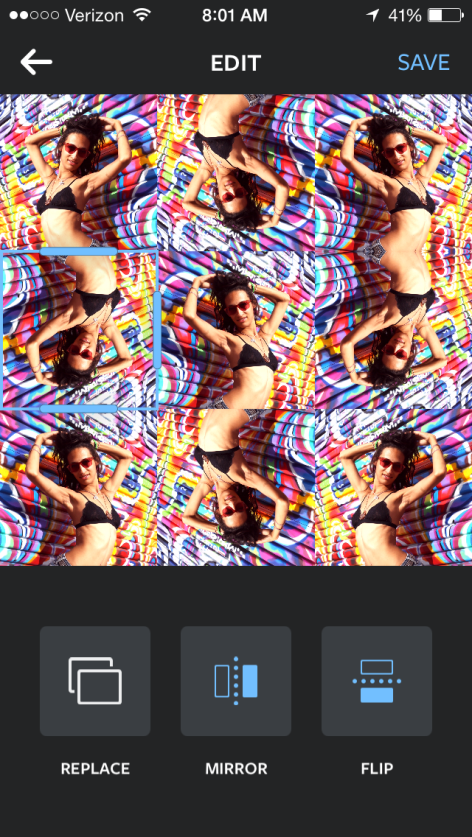
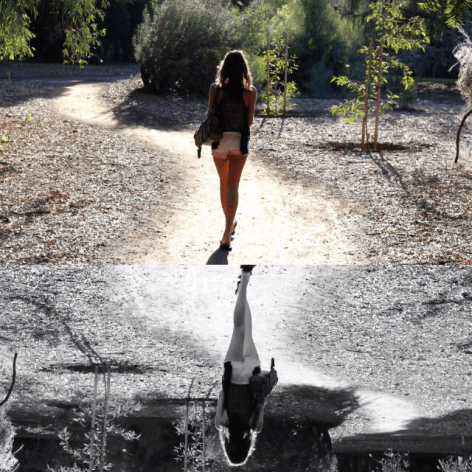
My current favorite filters include Tokyo, Urban, and the Natalie Ratkovski-inspired Illegal Beauty – and I think I’ve even found a favorite way of manipulating the photos a second time using Instagram’s Layout app and creating a photo stack from the same image. The results? All sorts of magical.


Did I pique your photography curiosity? i surely hope so, this is one of the most fun photography apps I’ve played with in a while – and admittedly, I play with a LOT! The proof is in the blogged pudding, head here to check it out
Download for iOS | Download for Android
For fantastic edits and more information on Prisma, head to their website or social channels:
Website | Facebook | Twitter | Instagram

 wrap up a weekend, pay your respects to a group of friends or simply embarrass just one on their birthday; and let me tell you, there are a ridiculous amount of applications that simply aren’t as seamless. Just off the top of my head, there’s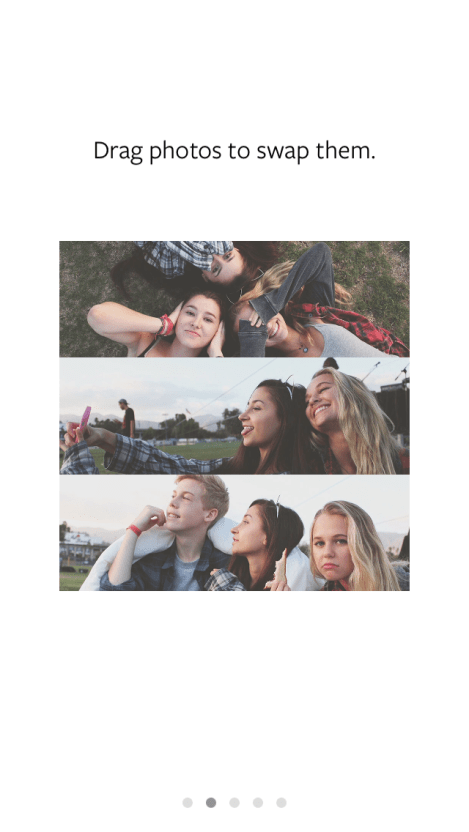

 The Bouncy Kitty
You must be logged in to post a comment.